

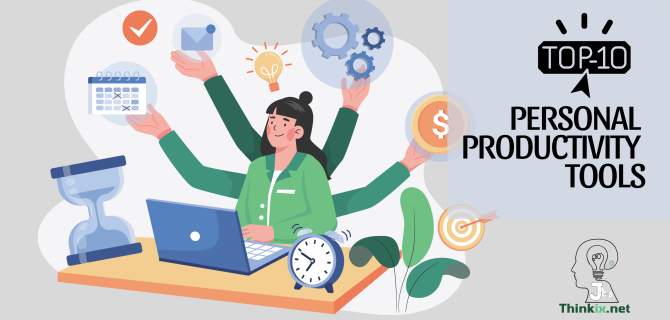
In an age where every minute counts, staying organized and productive is the new currency of success. Whether you’re a seasoned investor, an up-and-coming entrepreneur, or simply looking to make better use of your time, the right productivity tools can make all the difference. Below, I introduce 10 of the top personal productivity tools that have helped me and many others transform chaotic days into streamlined success.
Todoist
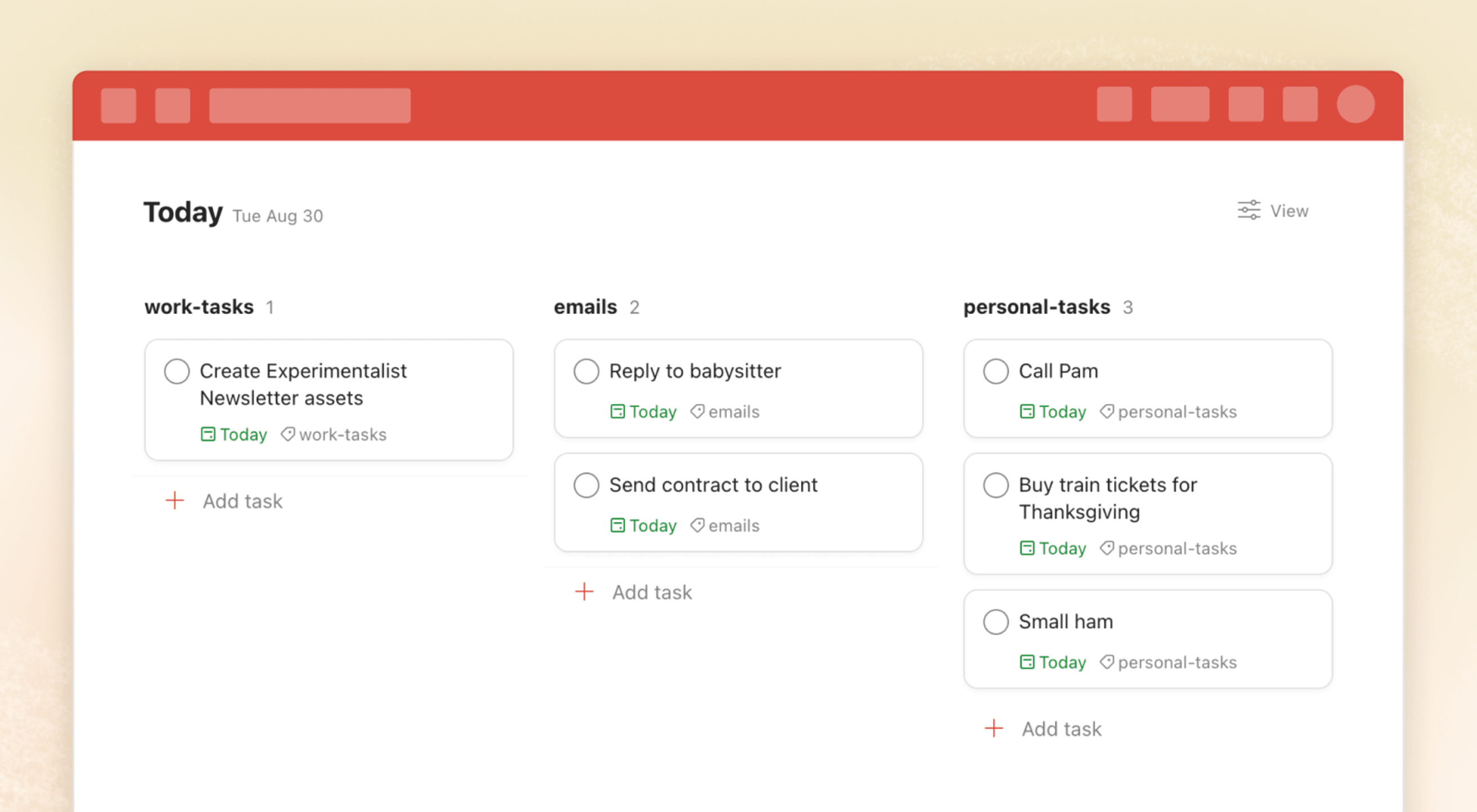
Todoist is a streamlined task management tool designed to help individuals and teams stay organized with smart task input, project organization, and cross-platform syncing.
- Natural language task scheduling and reminders
- Gamified productivity with the Karma system
- Easy integration with Google Calendar, Slack, and more
Notion
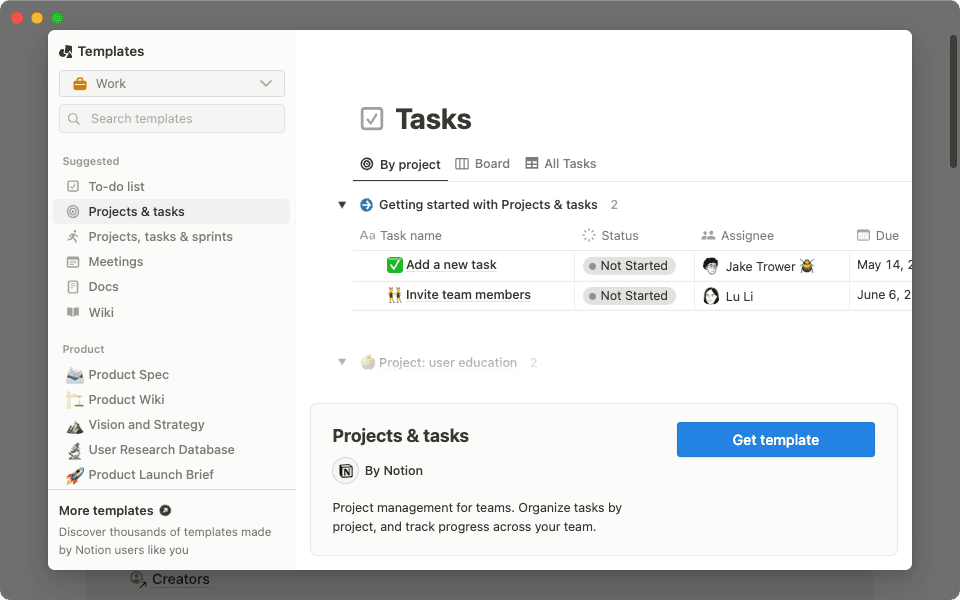
Notion is a powerful all-in-one workspace combining notes, databases, calendars, and collaborative documents, allowing users to build personalized productivity systems.
- Modular block-based editing for versatile page layouts
- Supports databases, Kanban boards, and project planning
- Ideal for both personal organization and team collaboration



1. Todoist
Overview: Todoist (Top Personal Productivity Tools) has gained a reputation as one of the most intuitive task managers available. It supports task creation using natural language processing, meaning you can type something like “Submit report every Friday at 3 PM” and it’ll auto-schedule accordingly. With its Karma system, users are motivated to complete tasks through gamification, and it seamlessly syncs across platforms from mobile to desktop. You can organize tasks by projects, labels, and filters for powerful categorization.
Pros Cons
Best For: Beginners and productivity purists who value simplicity and quick task entry.
2. Notion
Overview: Notion (Top Personal Productivity Tools) is a Swiss Army knife for productivity. It’s a powerful all-in-one workspace where users can create databases, calendars, Kanban boards, wikis, and collaborative documents. One of its standout features is its modular page system, enabling users to embed tables, code snippets, videos, and more into any page. Notion’s vast template gallery and community support make it ideal for creating custom workspaces for everything from content planning to personal goal tracking.
Pros Cons
Best For: Power users, content creators, and teams who need flexibility and structure in one tool.
3. Asana
Overview: Asana (Top Personal Productivity Tools) excels at keeping teams aligned and work organized. Its interface provides multiple project views including list, board, timeline, and calendar modes. Features like milestones, dependencies, and workload management give teams the tools to map out and track complex projects with precision. Automation allows for recurring task setup and notifications, saving time and reducing manual overhead. Asana is known for being user-friendly yet powerful enough to handle enterprise-level workflows.

Pros Cons
Best For: Teams and startups managing complex workflows and deadlines.
4. Softr
Overview: Softr (Top Personal Productivity Tools) transforms Airtable data into beautiful, functional web apps—no coding required. Users can build client portals, internal tools, CRMs, and more using pre-designed building blocks. It’s great for startups and teams that want to create tailored solutions quickly. Features like user authentication, payment integration, and dynamic filters give Softr an edge over many traditional no-code platforms.

Pros Cons
Best For: Entrepreneurs, project managers, and small teams seeking quick, custom solutions.
5. Coda
Overview: Coda (Top Personal Productivity Tools) breaks the boundaries of traditional documents by merging text, tables, automation, and apps into a single interface. It supports advanced logic, interactive elements (like sliders and buttons), and API integrations. You can build mini-apps within docs that update dynamically based on changes to tables and forms. Teams love Coda for its robust formula language and the ability to scale documents into powerful internal tools.

Pros Cons
Best For: Teams that need a flexible, scalable alternative to traditional spreadsheets and documents.
6. xTiles
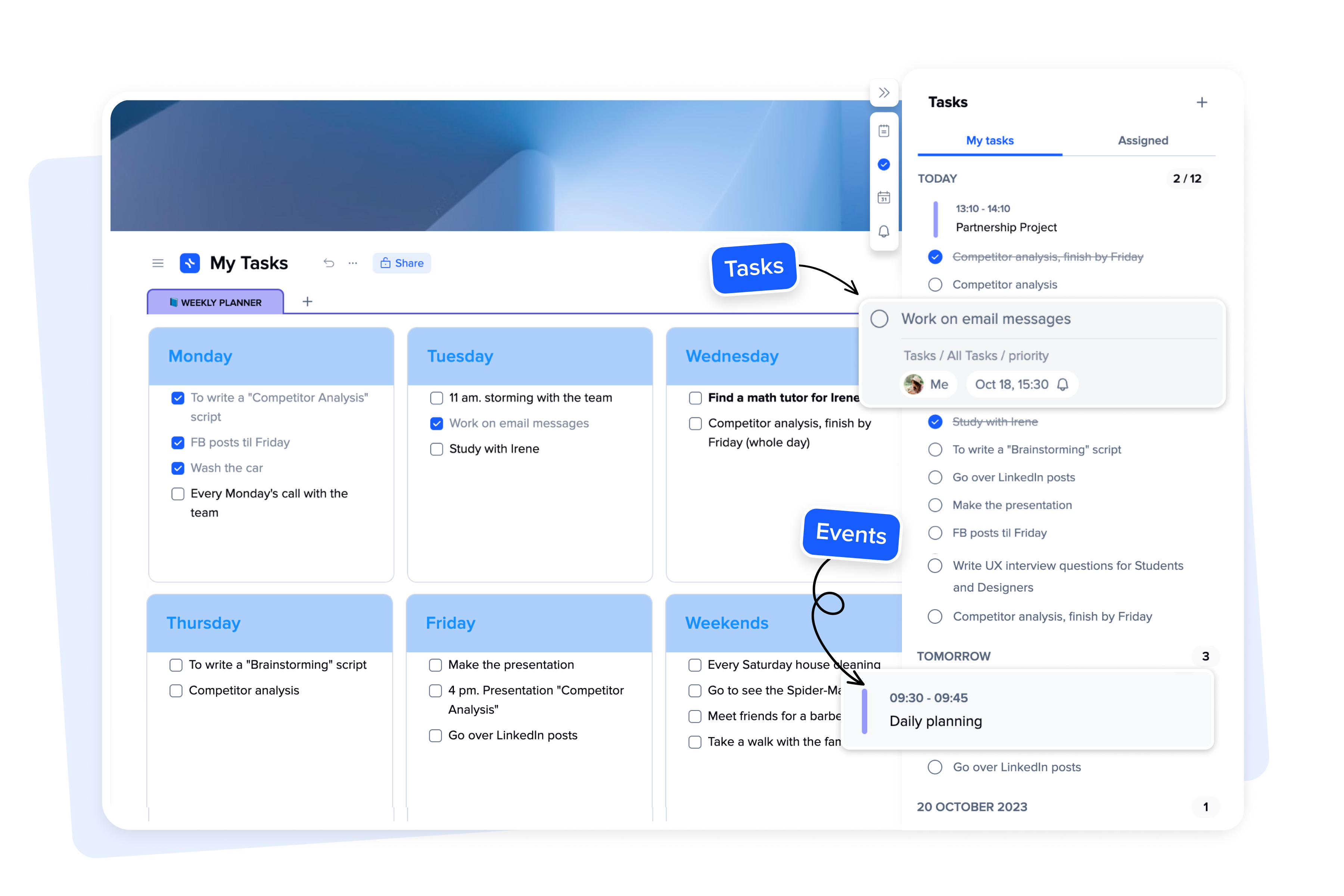
Overview: xTiles (Top Personal Productivity Tools) brings together the functionality of sticky notes and a digital whiteboard. Its card-based layout is perfect for idea organization, creative planning, and visual project mapping. Users can combine notes, links, to-dos, and media into flexible layouts. Real-time collaboration and the drag-and-drop editor make it a favorite among UX designers and creative thinkers who prefer working visually.
Pros Cons
Best For: Visual thinkers, designers, and content strategists.
7. ClickUp
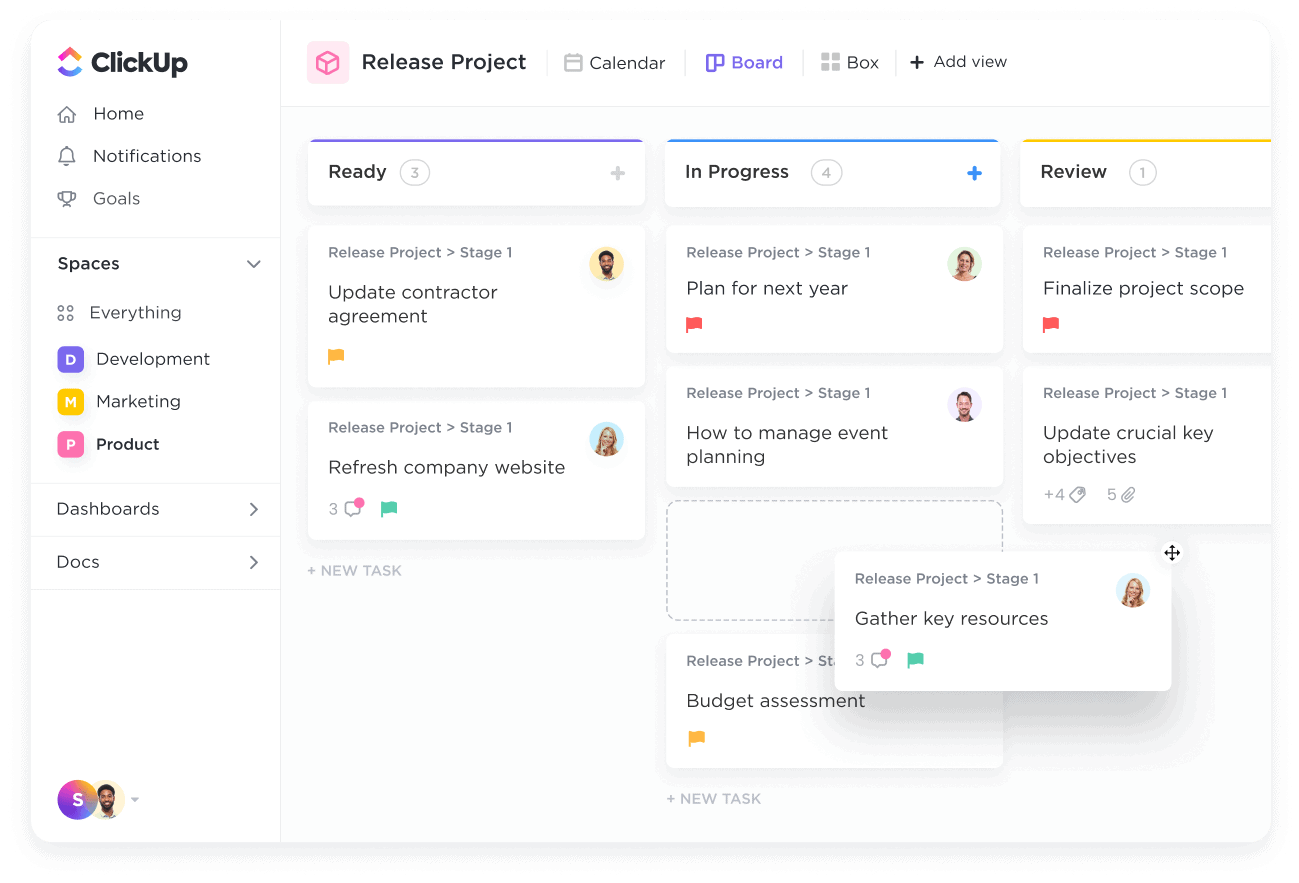
Overview: ClickUp (Top Personal Productivity Tools) is an all-in-one productivity hub that combines tasks, docs, goals, chat, and time tracking into one interface. It supports granular task hierarchy (Tasks, Subtasks, Checklists) and allows customization of views, dashboards, and workflows. ClickUp’s standout is its flexibility: teams can tailor it to replicate tools like Trello, Asana, or even JIRA. Its native integrations and widgets bring data into one centralized place.
Pros Cons
Best For: Managers and agencies needing an all-in-one productivity ecosystem.
8. Quip
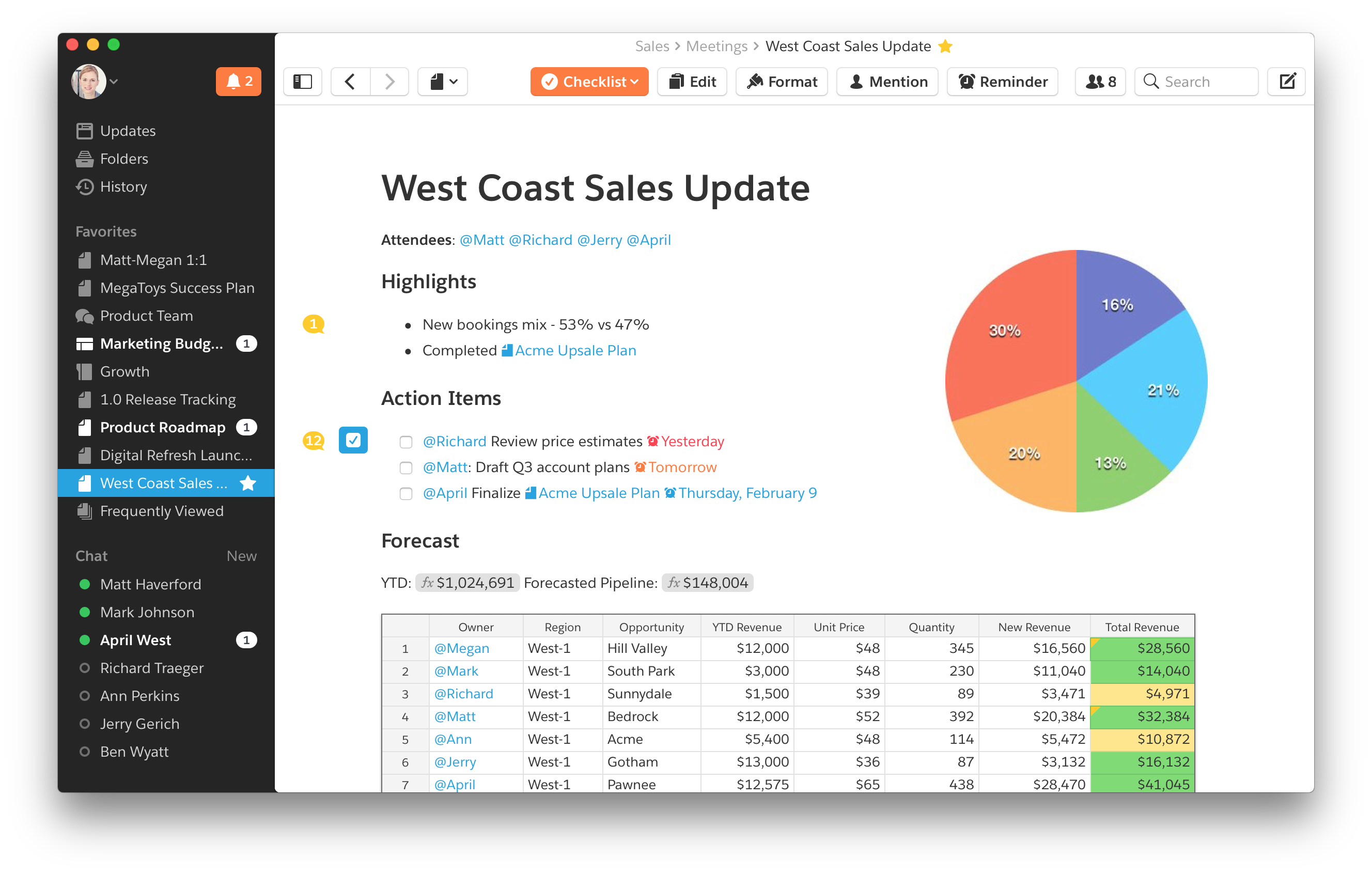
Overview: Quip (Top Personal Productivity Tools), developed by Salesforce, integrates documents, spreadsheets, and chat into a seamless collaborative experience. Teams can co-edit content in real time while maintaining context through embedded discussions and chat threads. Quip is especially valuable in sales and customer service contexts where speed and alignment matter. Its native Salesforce integration adds value for users in CRM-heavy environments.
Pros Cons
Best For: Salesforce users and teams who prioritize communication within documents.
9. Evernote
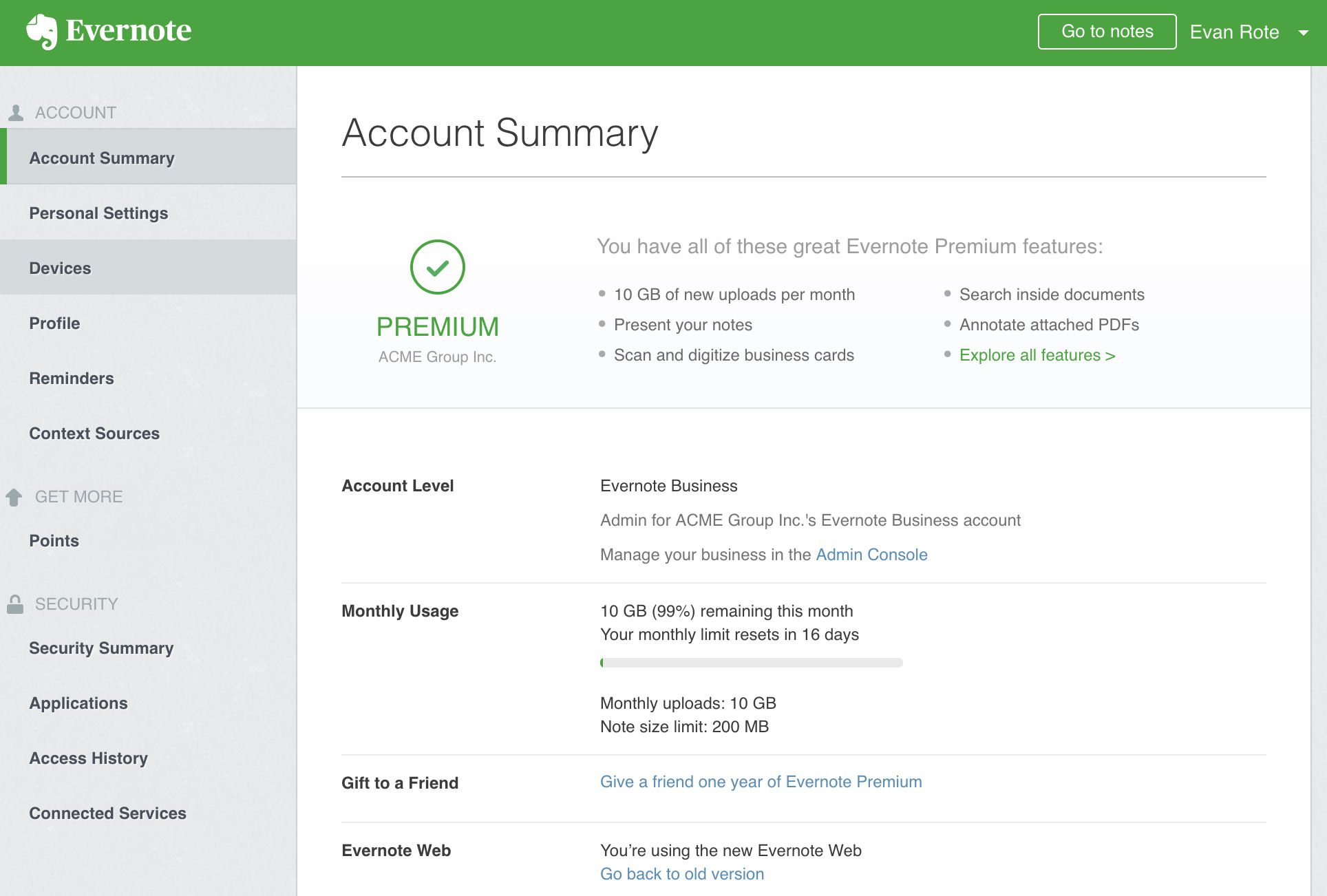
Overview: Evernote (Top Personal Productivity Tools) remains a powerhouse in digital note-taking. It supports text, images, scanned documents, PDFs, and even handwriting. Notebooks and tags make organizing content intuitive, while powerful search (including text inside images) makes information retrieval easy. Evernote’s Web Clipper is invaluable for researchers, allowing quick saving of web content into organized folders. The app also includes basic task features and integrations with calendars.
Pros Cons
Best For: Writers, researchers, and anyone who thrives on information management.
10. Airtable
Overview: Airtable (Top Personal Productivity Tools) offers the structure of a database with the familiarity of a spreadsheet. Its intuitive interface allows users to create powerful bases for project management, inventory tracking, CRM, content planning, and more. Views like grid, Kanban, calendar, and gallery support versatile use cases. With powerful automations and scripting options, Airtable scales beautifully. Its Interface Designer feature lets users build custom front-ends without leaving the platform.

Pros Cons
Best For: Data-centric teams, product managers, and creators of internal tools.
Conclusion
From lightweight to-do lists to powerful all-in-one platforms, today’s productivity apps cater to every need and style. Choosing the right tool can elevate your workflow, boost your focus, and help you consistently perform at your highest level. By understanding your work style and goals, you can select the platform that aligns best with your productivity journey.
For a deeper dive into strategies using these tools, consider reading our guide on maximizing digital workflows or explore use cases on how professionals in finance, tech, and creative industries leverage these tools daily.
Comparison Table Top Personal Productivity Tools
| Platform | Key Features | Pros | Cons | Best For |
|---|---|---|---|---|
| Todoist | Task management with natural language processing | Intuitive, gamified, cross-platform | Basic free plan, limited features | Individuals, beginners |
| Notion | All-in-one workspace: docs, databases, wikis | Highly flexible, collaborative, templated | Learning curve, slow with large content | Power users, creators |
| Asana | Project and team task management | Visual tracking, automation, team tools | Complex for solo users, paywalled features | Startups, teams |
| Softr | No-code app builder for Airtable | Fast, dynamic, no coding | Airtable-dependent, not for large orgs | Entrepreneurs, small teams |
| Coda | Document-spreadsheet hybrid with apps | Powerful, scalable, automation-rich | Requires tech fluency, premium for some tools | Internal team systems |
| xTiles | Visual planning and brainstorming | Simple, visual, collaborative | Limited features and integrations | Designers, strategists |
| ClickUp | All-in-one task/time/goals/docs suite | Extensive features, customizable | Cluttered UI, steep learning | Agencies, project managers |
| Quip | Collaborative docs with built-in chat | Live editing, Salesforce-friendly | Weak formatting, internal use focused | Salesforce users, sales teams |
| Evernote | Note-taking and content archiving | Advanced search, web clipper | Limited task features, best in paid plans | Writers, researchers |
| Airtable | Spreadsheet-database hybrid | Visual, versatile, scalable | Complex for new users, costly upgrades | Data-driven teams |


