


In the fast-paced digital world, optimizing our daily workflow has become more crucial than ever. Personal automation tools are no longer a luxury for tech-savvy professionals; they are essential allies for anyone looking to enhance productivity and streamline repetitive tasks. Whether you’re a seasoned investor or just stepping into the productivity space, discovering the right tools can save hours and significantly improve your quality of life.
Through extensive research and hands-on testing, I’ve explored the top 10 personal automation platforms that are transforming how we work, manage time, and achieve goals. These tools not only boost efficiency but are designed with varying user needs in mind — from low-code flexibility to powerful AI integrations. Let’s dive in.







1. Make.com
Overview: Formerly known as Integromat, Make.com (Top 10 Personal Automation Tools) is a leading visual automation platform that empowers users to design workflows between thousands of apps and services using a simple drag-and-drop interface.
Key Features:
- Visual editor to create scenarios (workflows)
- Support for over 1,000 apps and services
- Error handling and detailed execution logs
- Scheduling and multi-branching scenarios
Pros Cons
Best For: Freelancers, entrepreneurs, and marketing teams who want to automate repetitive tasks such as data syncing, lead generation, reporting, and email follow-ups without deep programming knowledge.
2. Bardeen
Overview: Bardeen (Top 10 Personal Automation Tools) is an innovative Chrome extension that allows real-time browser automation, leveraging AI to identify and suggest workflows based on user behavior.
Key Features:
- AI-based task suggestions from browser usage
- Automations for Notion, LinkedIn, Google Sheets, and more
- Visual and scriptable workflows
- Web scraping and contextual automation
Pros Cons
Best For: Knowledge workers, recruiters, and content creators looking to automate browser activities like research, outreach, and content curation.
3. Katalon Studio
Overview: Katalon Studio (Top 10 Personal Automation Tools) is a comprehensive test automation solution designed for software teams, but its robust scripting and execution environment also make it ideal for automating any form of repetitive digital validation or data processing tasks.
Key Features:
- Supports automated testing for web, mobile, desktop, and API
- Integration with CI/CD tools like Jenkins, Git, JIRA
- Built-in keyword-driven framework and scripting support with Groovy
- Test planning and analytics dashboards

Pros Cons
Best For: QA engineers, developers, and data analysts looking for a powerful tool to automate testing, validation, or data comparison processes.
4. n8n
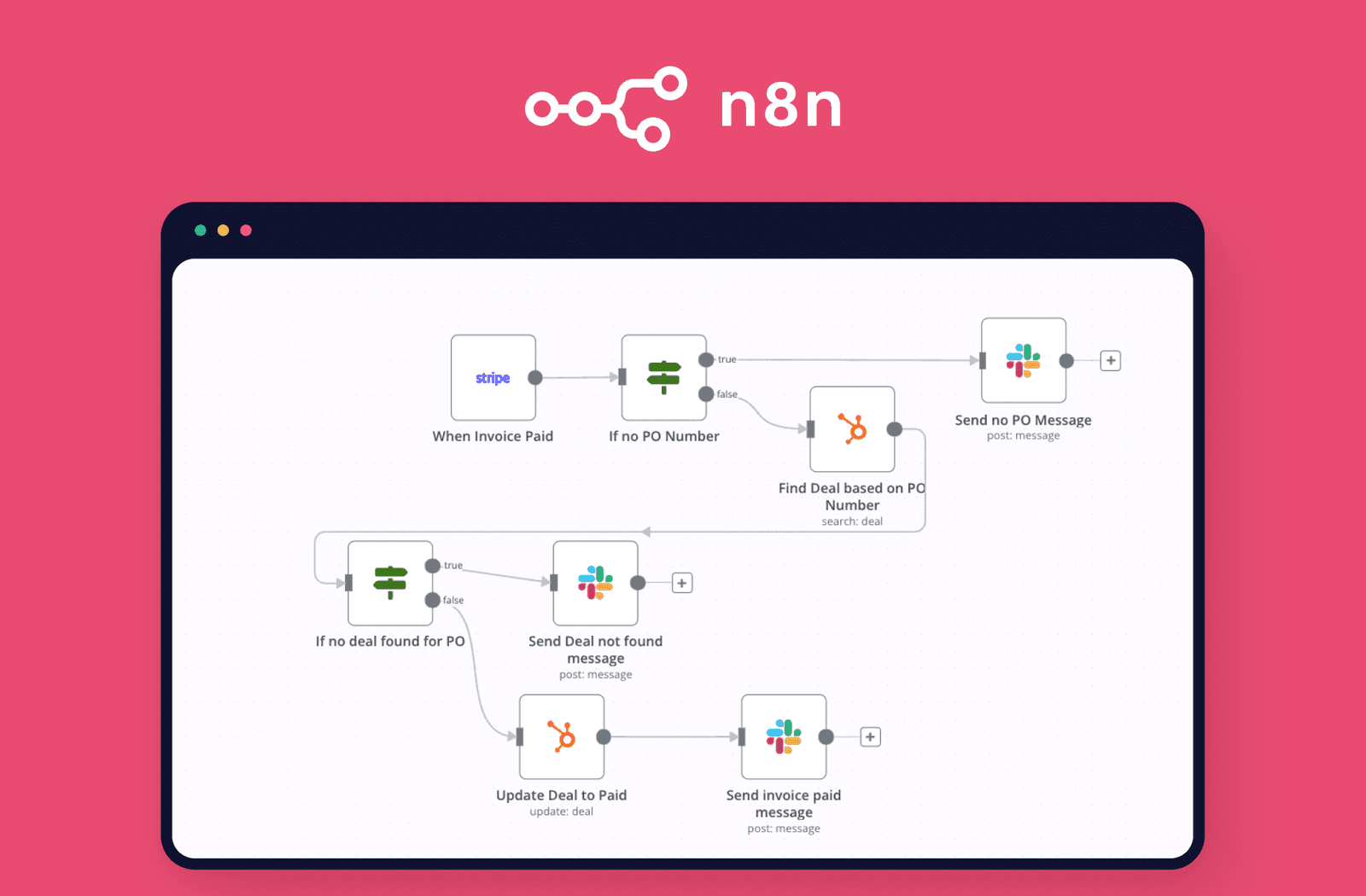
Overview: n8n (Top 10 Personal Automation Tools) is an open-source workflow automation tool that can be self-hosted or used in the cloud. It provides a unique blend of visual workflow design and the flexibility of custom code.
Key Features:
- Open-source and self-hostable
- Over 300 pre-built integrations
- Built-in code nodes for JavaScript logic
- Supports data transformation and conditional flows
Pros Cons
Best For: Developers, privacy-focused users, and small businesses who want full control over their automation stack and data.
5. Pipedream
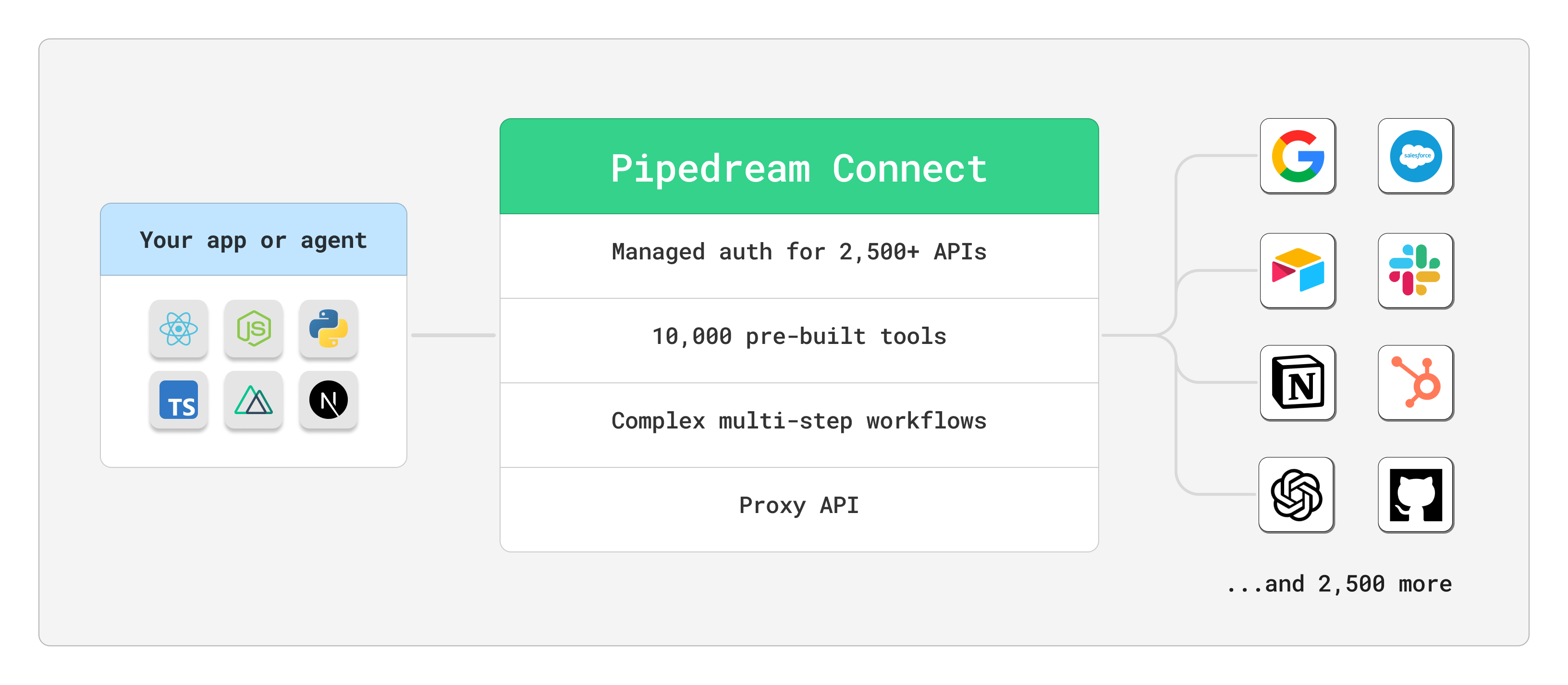
Overview: Pipedream (Top 10 Personal Automation Tools) is a cloud-based platform that blends API integrations and serverless coding. It is tailored for developers who want to create automation workflows using JavaScript, Python, or Go.
Key Features:
- Trigger-based architecture
- Real-time logging and monitoring
- Secure environment with OAuth and token support
- Native support for GitHub, Twilio, Slack, Stripe, etc.
Pros Cons
Best For: API integrators, backend developers, and teams building microservices and automations that require both logic and agility.
6. Latenode
Overview: Latenode (Top 10 Personal Automation Tools) is a hybrid automation builder that allows users to combine drag-and-drop components with full JavaScript scripting inside a single workflow.
Key Features:
- Mix of no-code blocks and custom code
- Scheduled and event-based automation
- Integrated error handling and analytics
- Scalable cloud infrastructure
Pros Cons
Best For: Advanced automation enthusiasts, data engineers, and teams requiring flexible but streamlined automation without being locked into visual-only tools.
7. Zapier
Overview: Zapier (Top 10 Personal Automation Tools) is the market leader in no-code automation, with unmatched app support and a reputation for stability and ease of use.
Key Features:
- Integrates with over 6,000 apps
- Multi-step Zaps with filters, delays, and paths
- Built-in formatter for text, numbers, dates
- Real-time triggers and tasks
Pros Cons
Best For: Small businesses, coaches, consultants, and freelancers who want ready-to-deploy automation without technical hassle.
8. Gumloop
Overview: Gumloop (Top 10 Personal Automation Tools) is a browser automation tool that records user actions and turns them into repeatable, programmable workflows, ideal for manual tasks.
Key Features:
- Record-and-play functionality
- Schedule tasks at custom intervals
- No-code editor for modifying steps

Pros Cons
Best For: Virtual assistants, solo entrepreneurs, and small teams needing to automate web-based processes with zero coding.
9. IFTTT (If This Then That)
Overview: IFTTT (Top 10 Personal Automation Tools) offers lightweight automation for everyday tasks, especially across consumer apps and smart home devices.
Key Features:
- Applets for smart devices, social media, and utilities
- Works across Android, iOS, and web
- Simple “if this then that” logic builder
Pros Cons
Best For: Home users, casual automators, and non-technical professionals who want to automate daily routines without getting into technical details.
10. Ontraport
Overview: Ontraport (Top 10 Personal Automation Tools) is an all-in-one business automation platform with integrated CRM, email marketing, landing pages, and performance tracking.
Key Features:
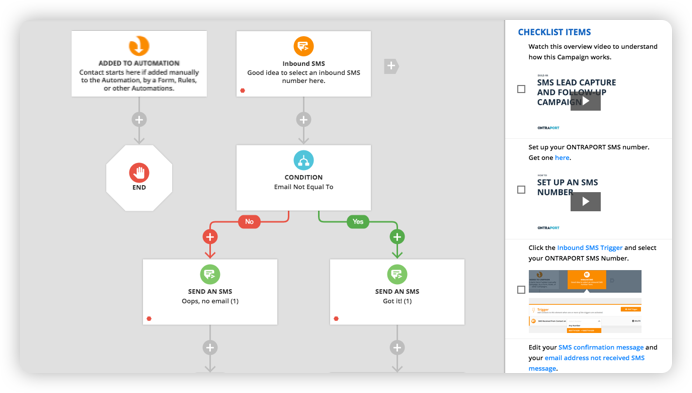
- Visual campaign builder with triggers and actions
- Advanced segmentation and lead scoring
- Ecommerce and membership features
Pros Cons
Best For: SMB owners, digital marketers, and agencies looking for a full-stack marketing and automation suite that also handles CRM and payments.
Final Thoughts
The personal automation landscape is rich with tools for every need and skill level. Whether you’re automating simple daily tasks or building sophisticated workflows, the right tool can drastically change how you operate.
By incorporating personal automation tools into your routine, you unlock time-saving strategies, reduce manual errors, and gain more time to focus on what truly matters. It’s no longer just about working harder, but smarter—and these tools are your gateway to doing just that.
Comparison Table – Personal Automation Tools
| Tool | Best For | Pros | Cons |
|---|---|---|---|
| Make.com | Freelancers, entrepreneurs, marketers | Versatile, intuitive, highly customizable | Complex workflows, slight learning curve |
| Bardeen | Content creators, recruiters, tech-savvy users | Seamless browser automation, AI-driven | Chrome-only, backend limitations |
| Katalon | QA engineers, devs, data analysts | Enterprise-grade, test-focused, detailed analytics | Tech-heavy, QA-centric |
| n8n | Developers, privacy-conscious users | Open-source, customizable, scalable | Setup complexity, basic UI |
| Pipedream | API integrators, developers | Serverless, niche API support, real-time logging | Requires coding, limited visual UI |
| Latenode | Advanced users, automation enthusiasts | Code/no-code hybrid, flexible | Small community, occasional instability |
| Zapier | Small biz, consultants, coaches | Intuitive, massive integration library | Costly at scale, limited logic control |
| Gumloop | VAs, solo entrepreneurs, non-coders | Easy browser task recording | Browser-only, limited complexity |
| IFTTT | Casual users, smart home owners | Simple applets, smart device integration | Low customization, delay-prone |
| Ontraport | Marketers, SMBs, agencies | All-in-one CRM, marketing, analytics | Expensive, limited external integrations |


